The memory
One photograph, the whole screen
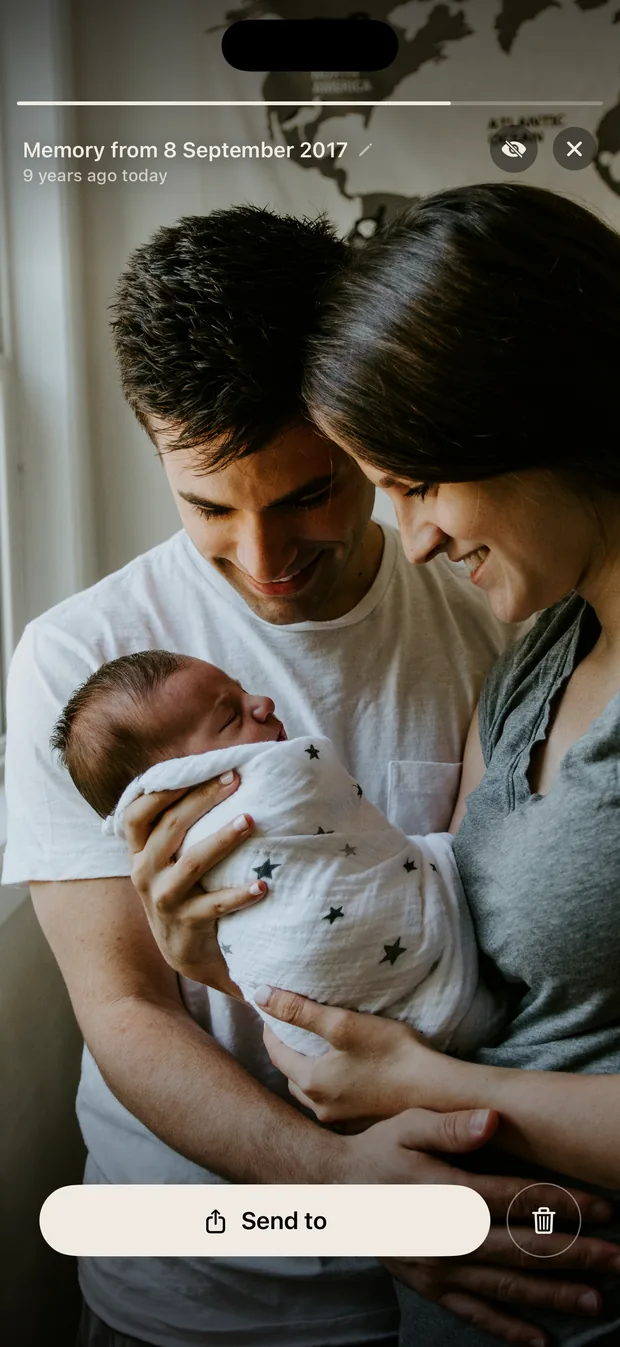
Each memory opens on its own, with the date it was taken and how many years ago that was. No grid to decode and no feed to scroll past.
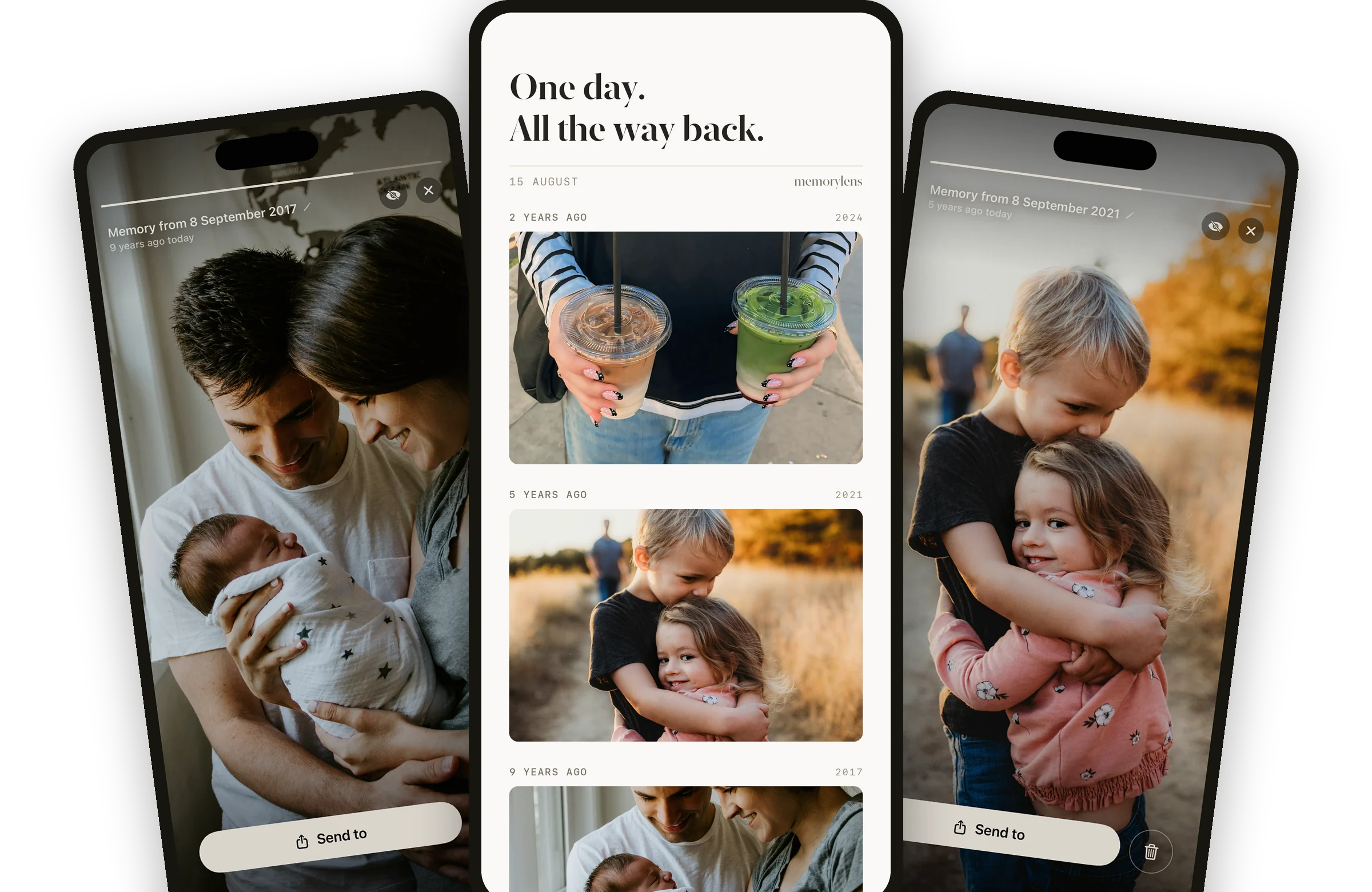
Memorylens finds the photos you took on today's date, in every year before this one, going back as far as your camera roll does.

Free. iPhone, iOS 18 or later.
It is screenshots, receipts, parking signs, and the nineteen near-identical shots you took to get one good one. Scrolling back through all of that is the reason nobody scrolls back.
Without it
Scroll, scroll, give up. The photographs are all still there, and you never see them again.
With Memorylens
Open it once in the morning. Today's date, every year you have photos for, already filtered.
And it learns
Set how strict the filter is. Anything that still gets through, hide once, and it never comes back.
Real screens, not mockups. The photographs in them are staged, so nothing here is anybody's actual memory.
The memory
Each memory opens on its own, with the date it was taken and how many years ago that was. No grid to decode and no feed to scroll past.
The day
Two years ago, five, nine. It keeps going as far back as your camera roll does.
Yesterday
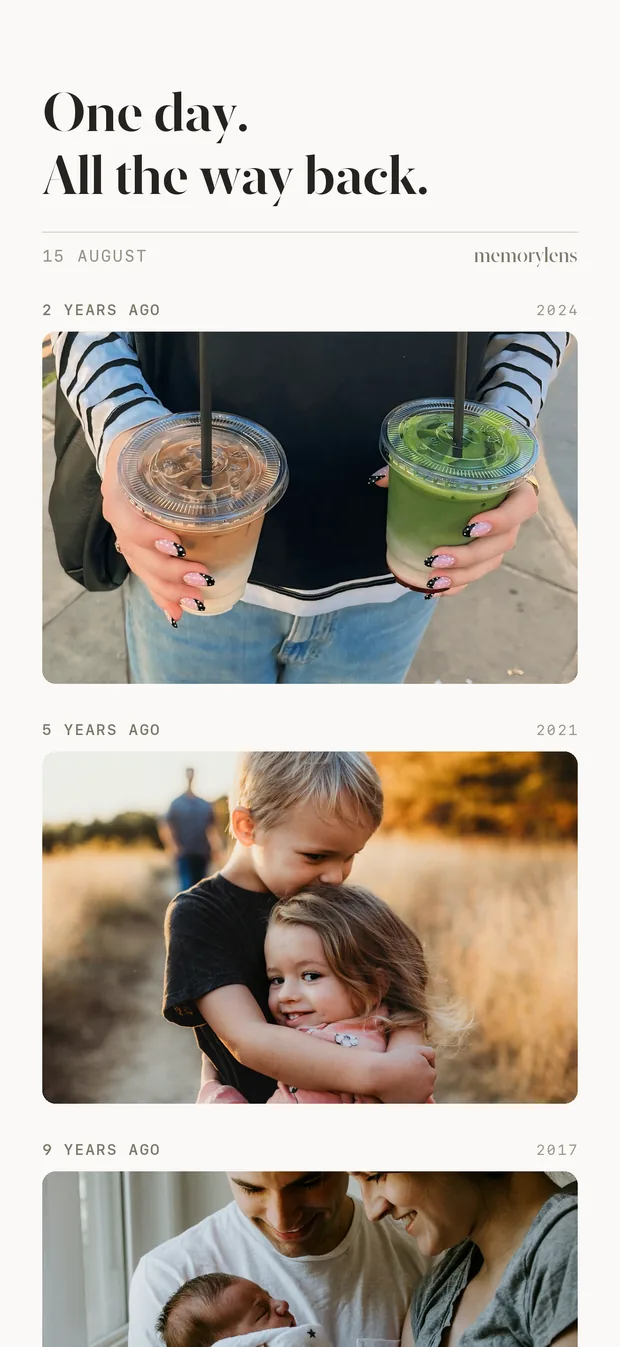
The day turns like a block. The day before is one gesture away, and so is the one before that.
Sharing
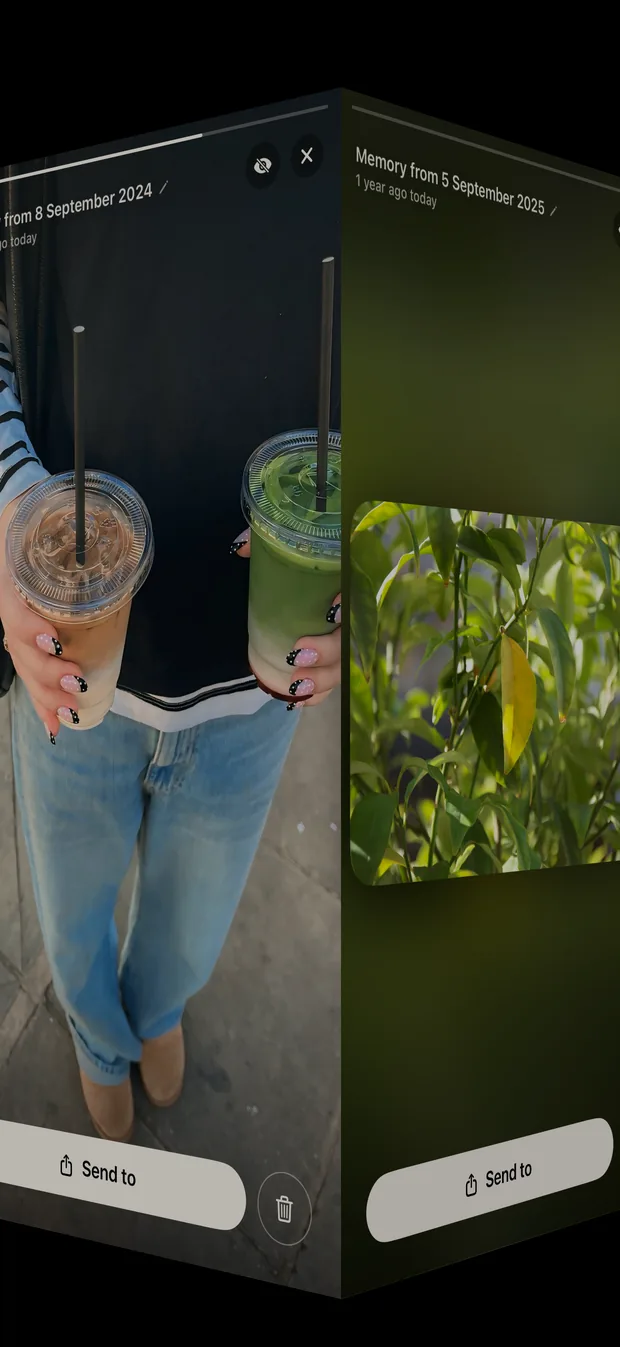
Share a memory in a frame that carries the numeral and the date, or share the photograph on its own.

Small app, short list. Everything on it is something you will use on an ordinary morning.
One notification a day, at a time you pick. Miss it and the day is still there when you open the app.
Any photograph hidden permanently, with one tap. It never surfaces again, in any year.
One slider, from Everything to Best only. Screenshots and receipts stay hidden at every setting.
Finding today's photographs happens on your phone. It works on a plane and in a basement.
No email address, no password. A random identifier, and that is the whole of the sign up.
A memories app reads the most personal thing on your phone. Here is exactly what it does with it.
Reading dates and working out what belongs to today runs on the device, with no connection needed.
Nothing is sold, nothing is used for advertising, and there is no tracking of any kind.
Your original files never leave your phone. Screenshots, receipts, documents and anything you have hidden are never uploaded at all.
Memorylens does keep a record of each photograph: when it was taken, how big it is, whether it is a screenshot, a quality score. With Keep it also saves a reduced copy of each memory, about 1600 pixels wide, so a day survives a lost or replaced phone. The privacy policy lists every field, why it is there, and how to erase all of it.
It shows you the photographs you took on today's date, in every year before this one. Open it in the morning and you get one day, all the way back, as far as your camera roll goes. Tomorrow it is tomorrow's date, and so on.
Screenshots, which are detected exactly rather than guessed at. Bursts, which collapse to the one frame worth keeping. Receipts, documents and photographs of a laptop screen, which get scored and dropped. Photographs with people in them rank higher, because those are the ones you stop on.
Your original files never leave your phone. Memorylens stores a short record of each photograph: when it was taken, how big it is, whether it is a screenshot, how many faces are in it, and a quality score. With Keep it also saves a reduced copy of each memory, around 1600 pixels wide, built up gradually over wifi, so a day survives a lost or replaced phone.
Screenshots, receipts, documents, near-identical burst shots and anything you have hidden are never uploaded. The privacy policy has the full list.
The daily memory is free, every year of it. Keep adds one thing: a copy of each memory saved as it surfaces, so the day is still here even if the photograph has left your phone. It is 19.99 euro a year, and it renews unless you cancel. A copy is about 1600 pixels wide, right for looking at and sharing, not a replacement for your original.
No. There is no email address and no password. Your data is tied to a random identifier, and there is no way to sign in as you.
Memorylens is an iPhone app and needs iOS 18 or later. There is no iPad or Mac version.
Hide it, with one tap, and it never comes back, in that year or any other. A memories app surfaces hard days as readily as good ones, so hiding is permanent by design and takes one gesture rather than a trip into settings.
Free on the App Store for iPhone. One day, all the way back, every morning.